Search teams finally have broader access to Google Search Console’s generative AI report, but many are reading it the wrong way. The report is useful, yet incomplete by design: it gives impression-led visibility signals without the click or query detail most SEO dashboards rely on.
If your team treats these impressions as direct traffic outcomes, you will overreact. If you ignore them, you will miss early visibility shifts in AI Overviews and AI Mode. The right move is to use the report as a directional layer inside a stronger diagnostic system.
What this report gives you, and what it does not
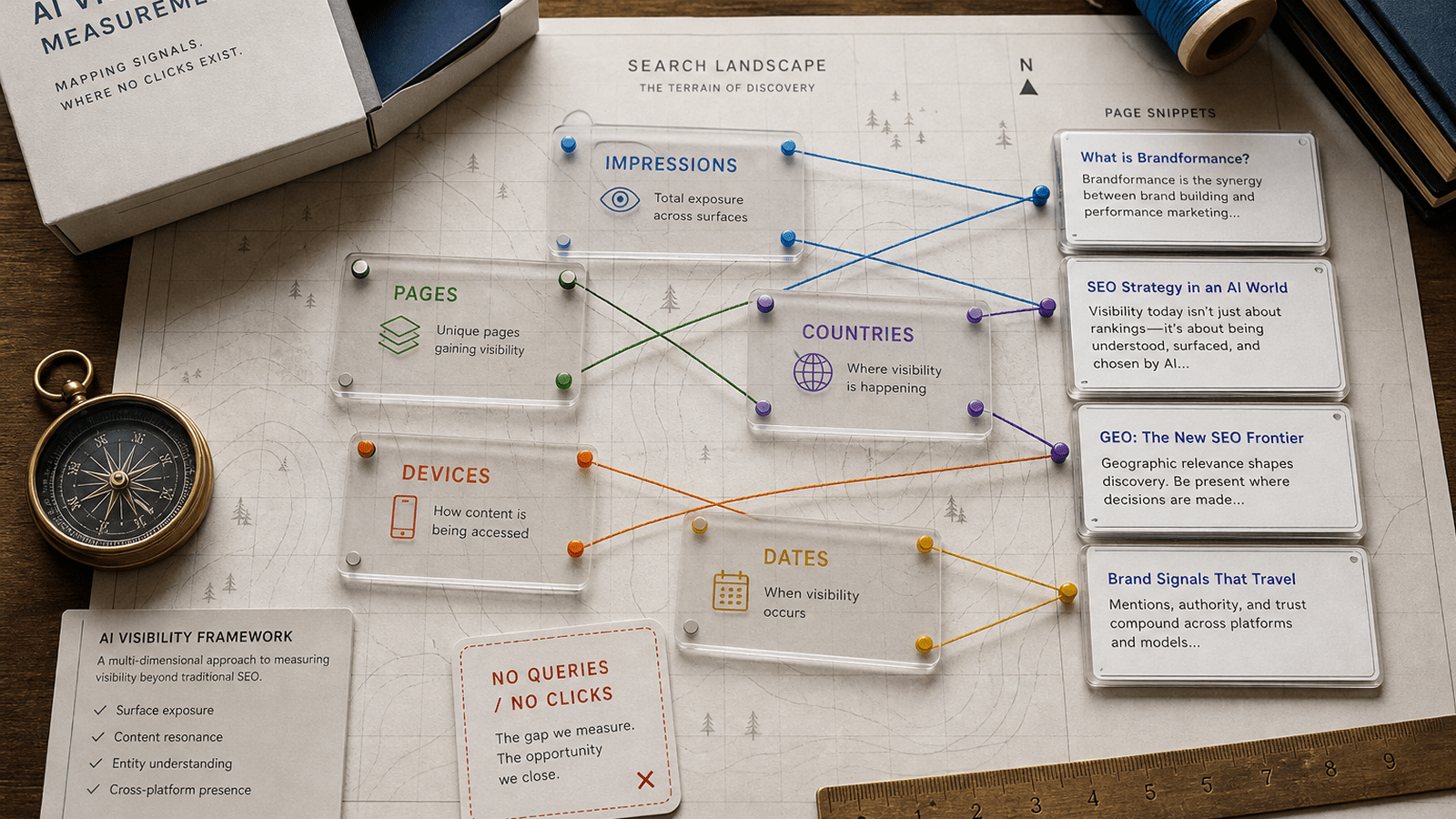
According to Search Console documentation, the report helps you analyze:
- Impressions in supported generative AI features
- Pages receiving those impressions
- Country and device distribution
- Date-based trend movement
It also states that the report may not appear if your site does not have enough impressions in these features. And today, there is still no click or query data in this view.
A five-step framework for reliable decisions
1. Segment pages by business intent first
Before looking at the chart, classify pages into intent groups: demand capture, education, comparison, and trust proof. Visibility changes matter differently in each group.
2. Track relative movement, not isolated spikes
Use weekly and monthly deltas by page group, device, and country. A one-day impression jump is rarely actionable by itself.
3. Build a visibility-to-outcome bridge
Because the report has no clicks, connect it to independent outcome signals: branded vs non-branded landing trends, assisted conversions, and CRM lead quality by landing set.
4. Prioritize pages with signal consistency
Act first where three signals align: rising AI impressions, strategic page intent, and downstream business contribution. That triad protects teams from noisy optimization cycles.
5. Use explicit decision thresholds
Define thresholds in advance. Example: if an intent cluster gains AI impressions for three consecutive weeks but landing outcomes stay flat, trigger snippet and structure tests before technical overhaul.
Common interpretation mistakes to avoid
- Mistake 1: treating impressions as equivalent to demand.
- Mistake 2: making page-level rewrites without intent segmentation.
- Mistake 3: reporting AI visibility changes to leadership without caveats about missing click/query data.
How to report this to leadership
Present this report as an early visibility radar, not a conversion dashboard. A clean executive structure is:
- Where AI visibility is changing
- Which high-value page groups are affected
- What controlled tests the SEO/content team is running next
This keeps decision quality high while the ecosystem is still adding measurement depth.
Bottom line
The report is valuable now if you use it with discipline. Teams that combine generative AI impressions with intent mapping and downstream outcomes will extract strategy advantage; teams that chase raw spikes will create noise.
Sources
- Search Engine Roundtable: Generative AI report expanded (Aug 11, 2026)
- Search Console Help: Generative AI performance report (Search)