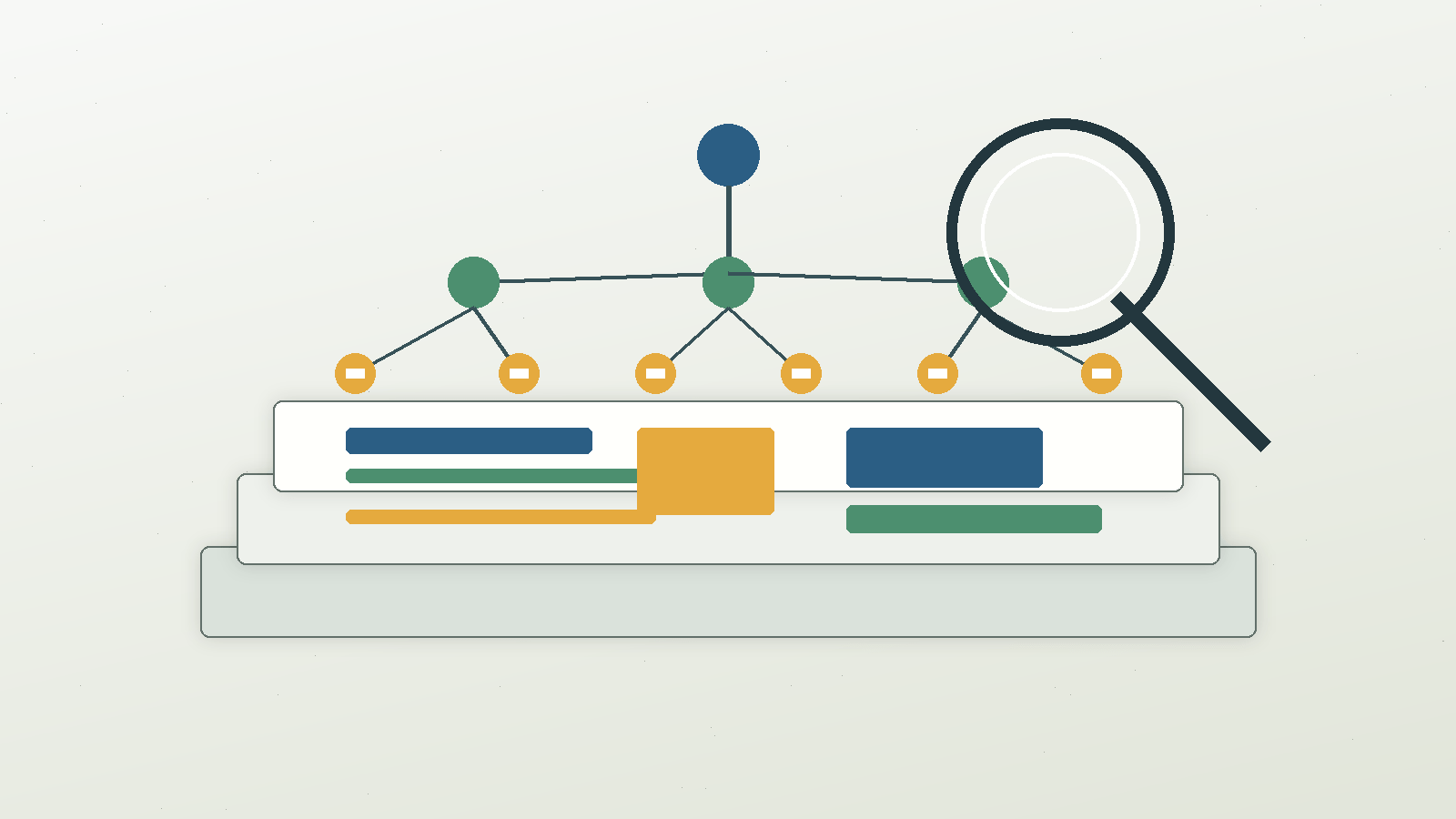
Search Engine Land published a detailed August 5 guide on auditing the accessibility tree for AI search. The important point for marketers is not that accessibility suddenly became an SEO trick. It is that the semantic layer of a page is now easier to inspect, compare and automate.
The accessibility tree is built from the rendered page and exposes roles, names, headings, buttons, links and other meaningful elements to assistive technology. Chrome DevTools can show a full-page accessibility tree. Playwright can assert ARIA snapshots. OpenAI’s publisher FAQ says ChatGPT Atlas uses ARIA roles and labels to understand page structure and interactive elements. These signals do not replace classic SEO, but they reveal whether the page is understandable beyond its visual design.
Use accessibility as the standard, not the shortcut
The first rule is ethical and practical: do not add ARIA attributes only to satisfy a crawler or an AI agent. The accessibility layer exists for people who use assistive technology. If a team manipulates it for marketing while making the experience worse for users, the site has failed the audit.
That said, a clean accessibility tree often aligns with good technical SEO. Important actions have clear names. Headings describe sections. Navigation is recognizable. Product images and editorial images have useful labels. Interactive elements are not hidden behind visual-only scripts. Those are not gimmicks. They are signs that the site can be parsed.
A five-step diagnostic process
- Choose the top 10 to 20 pages by revenue, leads or organic sessions.
- Capture the accessibility tree after the page has fully rendered.
- Check whether the main content, H1, H2s, navigation, CTAs and forms appear with accurate roles and names.
- Compare the tree with what a human sees on the page. Missing or misleading nodes become fixes.
- Add ARIA snapshot checks to release QA for templates that drive money or leads.
This process is especially useful after redesigns, CMS migrations, JavaScript changes and component-library updates. A page can look correct while its machine-readable structure becomes weaker.
What to look for in the tree
Start with headings. If every styled section is just a generic container, the page may lack a usable hierarchy. Then check links and buttons. A link named “learn more” is weaker than a link whose accessible name explains the destination. For ecommerce and lead-generation pages, check forms, filters, calculators and primary calls to action. If those controls are not exposed clearly, an agent may struggle and a screen reader user may suffer.
Images deserve a separate pass. Do not stuff alt text with keywords. Instead, ask whether the image label explains the useful visual information. For a product, that may mean material, color or state. For an editorial chart, it may mean the key comparison. For a decorative element, it may mean no alt text at all.
How to explain the value to leadership
Executives do not need a lecture about ARIA. They need the business risk. If important pages are visually polished but semantically weak, the company is relying on fragile presentation rather than durable structure. That can hurt accessibility compliance, conversion paths, search understanding and agent readiness at the same time.
The recommendation is straightforward: add accessibility-tree review to technical SEO QA. Start with money pages, not the whole site. Fix real user issues first, then measure whether crawlability, internal linking clarity, conversion usability and AI-search visibility become easier to defend. The durable search question is simple: can a machine understand the same page a customer can use?
Source References
- Search Engine Land: 10 SEO use cases for auditing your accessibility tree for AI search
- Chrome Developers: Full accessibility tree in DevTools
- W3C: W3C Accessibility Guidelines (WCAG) 3.0
- OpenAI Help Center: Publishers and Developers FAQ